
I have now run enough AI workflow examples through my own life to see a pattern, and the pattern is not flattering to the hype. Some tests paid for themselves in an afternoon. Others cost me an evening and taught me nothing except that I should have done the work myself. This post is the scoreboard, and it is the fifth entry in The AI Test Log.
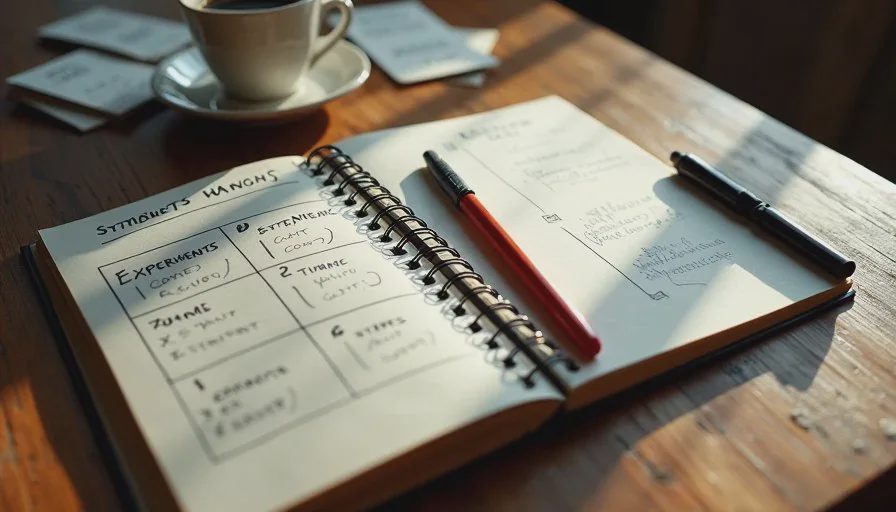
I keep a paper log for every experiment. Problem, setup, tools, test, what worked, what failed, what needed human judgment, cost, time, and a verdict. Ten entries earned a positive label. Three did not. I am writing all thirteen down because the failures are more useful to a beginner than the wins, and because most real-world AI use cases get published without the losses attached.
How I Score an Experiment
The Labels I Use
Every experiment ends with one of five labels: Keep it, Useful with guardrails, Good for one-off tasks, Not worth building a workflow around, or Delete it and do the work yourself.
"Useful with guardrails" is the most common result by a wide margin. That phrase does a lot of work. It means the tool contributed real value and also required verification that a beginner might skip.
What Counts as Saved Time
I count three things: minutes off the task, minutes off the setup, and reduction in rework. A tool that finishes a task in five minutes but sends me back to fix it twice has not saved time. It has moved the time around.
The Ten That Saved Time
1. Trip Planning With a Rough Route Draft
Covered in full earlier in this log. AI produced a workable route shape, a meal structure, and backup campgrounds. It was wrong about availability and one dog rule. Net gain: roughly two hours.
Verdict: Useful with guardrails.
2. Reading a 1974 Shasta Manual
The assistant translated old service terminology and pointed me at the right pages. It also invented a fuse specification I could not verify. Net gain: about eighty minutes after subtracting the time lost chasing a bad part number.
Verdict: Useful with guardrails.
3. Farmers Market Prep
Label drafts, a customer question list, and a tally grid. The sign layout failed and I rewrote half the label copy. The question prep alone justified the effort. Net gain: about an hour.
Verdict: Useful with guardrails.
4. Turning a Messy Consulting Call Into Action Items
I recorded my own notes from a client call, messy and out of order, and asked for a structured summary with owners and dates. It produced a clean list in under two minutes. I corrected two items where it misread my shorthand.
Verdict: Keep it.
5. Rewriting Customer Emails Without Changing My Voice
I pasted an email I had already written and asked for a tighter version. Then I asked for a warmer version. Comparing the two helped me see what I actually wanted to say. The output was never used verbatim, but it shortened my editing cycle.
Verdict: Good for one-off tasks.
6. Vegetable Garden Layout
I described my raised beds, sun direction, and what I grew last year. It suggested a rotation I had not considered and flagged that my tomato spacing was too tight. I checked the spacing claim against a county extension guide and it held up. The rotation plan I adopted.
Verdict: Keep it.
7. Sorting a Pile of Receipts Into Categories
I described my expense types and asked for a sorting structure. It gave me a clean set of categories that matched how my accountant wants things organized. The actual sorting I did by hand.
Verdict: Good for one-off tasks.
8. Booth Design Brainstorming
I asked for five ways to make the Prompt & Pepper table readable from a distance. Two ideas were useful, one was already in use, and two ignored the fact that I have a canopy and a limited footprint. I used one idea and it worked.
Verdict: Good for one-off tasks.
9. A 30-Day Learning Outline
I asked for a beginner plan to understand AI tools without coding. The structure was solid: one concept per week, one small project per week, review at the end. I trimmed the reading list because it was too long to finish alongside actual work.
Verdict: Keep it.
10. Explaining a Concept I Did Not Understand
I asked a model to explain how a 12-volt circuit differs from a 120-volt circuit, using a plumbing analogy. Then I asked it to explain it again without the analogy, because analogies break down. The second explanation was clearer.
Verdict: Keep it.
The Three That Wasted Time
1. Building a Productivity Stack
I asked for a four-tool workflow to manage content, invoices, and inventory. The setup took an evening. The system added a tool I did not need and forced me to enter the same data twice. I deleted two of the four apps and went back to a notebook and a spreadsheet.
This is the most common failure I see in AI content, and it is the reason I do not publish tool roundups. A stack is not a workflow. It is a subscription list.
2. AI-Written Social Posts for the Sauce Business
I asked for a month of captions in my voice. I gave the model two examples to work from. The output was grammatically fine and sounded like nobody I know. I rewrote all of them, which took longer than writing from scratch.
If you feed a model no examples of your own writing, it defaults to marketing voice. If you feed it two, it still drifts. Tone is the hardest thing to delegate.
3. AI as a Source for Regulatory Rules
I asked a general assistant about cottage food labeling requirements in Colorado. The answer was confident, organized, and incomplete. I caught it only because I checked the state guidance directly. Never delegate a compliance question to a general model. That one is not a time cost. It is a risk cost.
The Rule I Now Use Before Trying Anything New
I ask three questions before I test a new tool or workflow.
First, is this a writing or organizing task? Those are in range. Second, does the answer depend on live data, current rules, or a specification I cannot verify? Those are not. Third, can I check the output in under five minutes? If not, the verification cost may eat the gain.
That third question is the one I wish someone had told me at the start. Beginners focus on what AI can produce. The real question is what you can verify.
What I Am Testing Next
Two experiments are already on the bench. One involves using AI to draft a simple online order form for Prompt & Pepper, which touches money and shipping and therefore has a high verification bar. The other is a beginner-friendly test of whether AI can help someone changing careers turn a job posting into a study plan without inventing qualifications they do not have.
Both will follow the same format. Both will get a verdict. And if one of them wastes my evening, I will write that down too.
Take it apart first. Then ask AI.
No comments yet — be the first to share a thought.