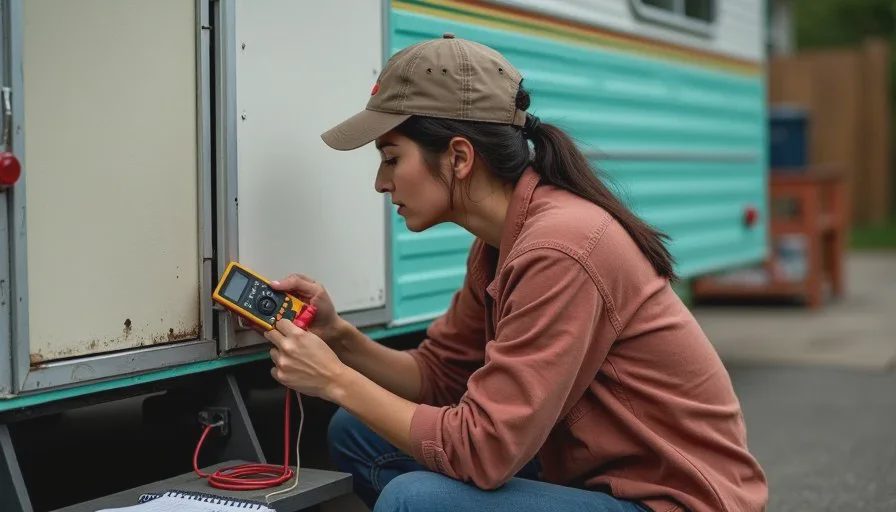
The trailer is named The Debugger, and that started as a joke about its electrical system. It stopped being a joke somewhere in the second summer, when I realized that tracing a fault through fifty-year-old wiring and tracing a fault through a broken AI workflow are the same job. Both involve a system you did not build, symptoms that point in two directions at once, and a strong temptation to change five things at the same time.
This is the nineteenth entry in The AI Test Log and the fourth in the Life Tests column. I have written about the trailer before, in the manual-reading test, and I have written about workflows throughout this log. This post is where the two meet. If you are learning how to use AI as a beginner and your process keeps breaking in ways you cannot explain, the repair habits below are the ones that transferred cleanly.
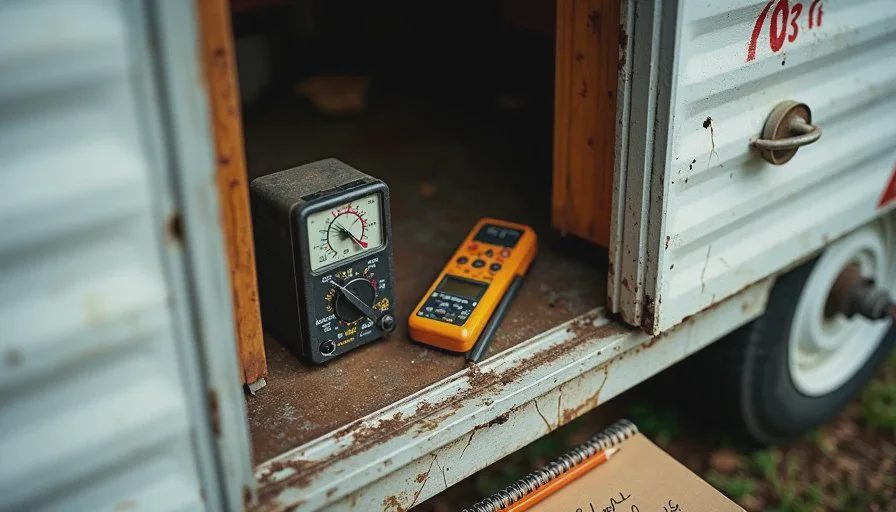
Why a Trailer and a Workflow Are the Same Kind of Problem
Both Are Systems You Inherited
I did not wire The Debugger. The previous owner made modifications I can see and at least one I cannot. When something stops working, I am not debugging my own logic. I am debugging a system with a history I do not fully know.
The same is true of most AI workflows. If you copied a structure from a video, added a tool someone recommended, and changed your process twice since, you are working inside a system with a history you did not document. When it breaks, you cannot tell which change caused it.
Both Give You Symptoms, Not Causes
A dead light tells me a circuit failed. It does not tell me where. A bad AI output tells me something in my process is off. It does not tell me whether the problem is my request, my examples, my tool, or the fact that I skipped a step I usually take.
Symptoms are information. They are not diagnoses.
Both Punish Changing Too Much at Once
This is the habit that transferred most directly. On the trailer, if I replace a fuse, clean a ground, and swap a switch in the same afternoon, and the lights come back on, I have learned nothing. I do not know which fix worked, and I will not know what to do next time.
In a workflow, if I rewrite my request, add an example, and switch tools in the same session, and the output improves, I have the same problem. The improvement is real and the knowledge is gone.
The Five Repair Habits That Transferred
Habit One: Change One Thing at a Time
On the trailer, I test one component per session. Pull the fuse, check it, reinstall. Clean the ground, test, then decide. It is slower in the moment and faster across the whole job.
In a workflow, I now change one variable per attempt. If I think my request is vague and my example is weak, I fix the request first and run it again. Then I fix the example. Two changes at once means two possible causes, and I have wasted the attempt.
Habit Two: Trust the Symptom Over the Theory
The trailer's lights were dead and my theory was a blown fuse. The fuse was fine. The ground was corroded. If I had trusted my theory and stopped checking when the fuse passed, I would still be looking at a dark ceiling.
In a workflow, the symptom is the output. If the output is thin, I check the symptom instead of defending my process. My request looked clear to me. The output says otherwise. The output wins.
Habit Three: Write Down Every Change
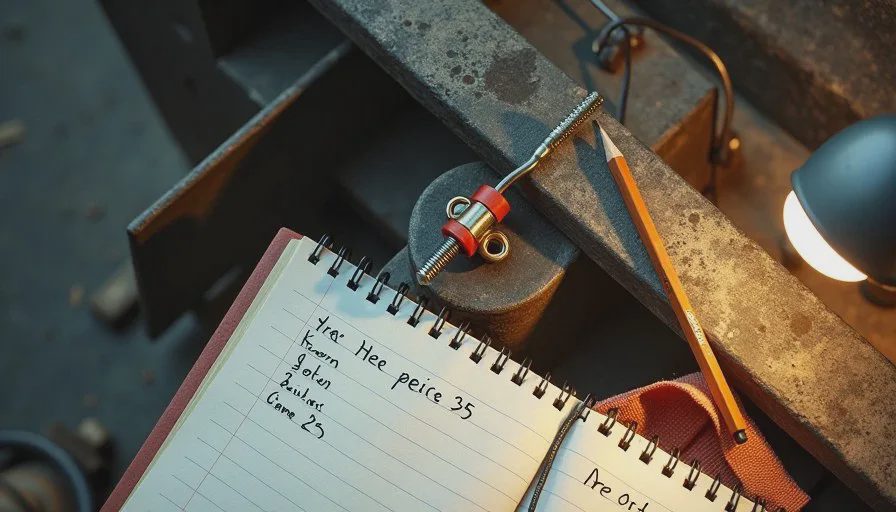
I keep a repair log for the trailer. Date, symptom, what I checked, what I changed, what happened. It is a page and a pencil and it has saved me from repeating a mistake more than once.
I keep the same log for workflow changes. What I changed, what I expected, what happened. When a process breaks two months later, the log is the only thing that tells me what is different.
Habit Four: Recheck the Basics Before You Go Deep
Half the electrical problems I have found on the trailer were at a connection, not inside a component. Loose, corroded, or not seated. Boring problems with boring fixes.
The workflow equivalent is the basics I skip when I am in a hurry. Did I describe the situation. Did I give an example of my own writing. Did I ask for structure before content. Did I ask where the answer came from. Most broken outputs I have traced come back to one of those four.
Habit Five: Test the Fix in the Real Conditions
A trailer light that works in the garage may fail on a bumpy road. I test with the trailer moving, or at least with the harness under tension, before I call it fixed.
A workflow that works on a clean practice task may fail on a real one. I test changes on actual work, not on a demo prompt. The real conditions are where the weak spots show.
The Failure That Taught Me the Most
Two Problems Wearing One Symptom
The interior lights and the water pump were both dead, and I spent a week treating them as one problem. They shared a circuit, so that seemed reasonable.
They were two problems. A corroded ground killed the lights, and a separate failed switch killed the pump. Because I assumed one cause, I kept testing the same connection and finding nothing wrong.
This happens with workflows constantly. A process can produce bad output for two unrelated reasons at the same time. My request was vague and my example was off, and I spent three sessions rewriting the request before I noticed the example was part of it.
The lesson is not to assume one cause. Test one thing, fix it, and see whether the symptom changes. If it only half-improves, there is probably a second problem.
The Fix That Created a New Problem
When I replaced the fuse block with a modern equivalent, I sized it correctly and installed it cleanly. Two weeks later a different circuit started acting up, because the new block changed how the ground path ran and I had not accounted for it.
Workflow changes do this too. I restructured how I write posts, and it fixed my drafting speed while breaking how I handled sources. The new structure had no place to put a citation, so I stopped tracking them for about three weeks.
Any fix can move the problem. After a change, I now check one thing I was not trying to fix, on purpose. If that thing is still fine, the fix is probably clean.
The Debugging Loop I Use Now
Step One: State the Symptom in One Sentence
For the trailer: interior lights dead, pump dead, shore power fine. For a workflow: the output is generic and long, and it does not sound like me.
One sentence forces precision. Vague symptoms produce vague debugging.
Step Two: Check the Most Recent Change
Most problems appear after a change. On the trailer, that meant asking what I touched last. In a workflow, it means asking what I changed since the last good output. Half the time the answer ends the search.
Step Three: Test the Cheapest Possibility First
A connection is cheaper to check than a component. In a workflow, my input is cheaper to fix than my tool. I start with what I control and what costs nothing.
Step Four: Change One Thing and Re-Test
One change, one test, one note in the log. If the symptom improves fully, done. If it improves partly, there is likely a second cause. If nothing changes, revert and try the next possibility.
Step Five: Test in Real Conditions
A real task, real customer, real deadline. A workflow that only works on a clean prompt is not fixed yet.
What Still Needed Human Judgment
Knowing when to stop. The trailer has one circuit I have decided not to chase, because the cost of the fix is higher than the value of the light. Some workflow problems are the same. I have a formatting issue I have chosen to live with because fixing it would cost more time than it saves.
I also keep the judgment about when a system is worth repairing at all. A tool that breaks every week is not a debugging problem. It is a replacement problem.
Cost and Time
Nothing spent on tools for this one. Time spent on the trailer across two summers: more than I want to count. Time spent debugging workflows with these habits: much less than before, because I stopped changing five things at once. The single biggest gain was the log. Writing down what I changed cut my repeat mistakes more than any other habit.
Final Verdict
Keep it.
A trailer built in 1974 taught me how to fix a process built last year. Change one thing at a time. Trust the symptom over the theory. Write down every change. Recheck the basics. Test in real conditions. That is the whole method, and it works on wiring, on workflows, and on anything else with a history you did not document.
Take it apart first. Then ask AI.



No comments yet — be the first to share a thought.