
I planned our last three-day Colorado camping trip with AI, two people, and one dog who snores like a small engine. I am not going to tell you it was effortless, and I am not going to tell you it was useless. It landed somewhere in the middle, which is where most practical AI tools for everyday tasks land once you point them at the real world.
This is the second entry in The AI Test Log. Same rules as the first: a real problem, a documented process, honest costs, and a verdict I would give a friend. If you are still learning how to use AI as a beginner and you keep hearing that AI for travel planning will save you hours, this post is the reality check I wish I had read first.
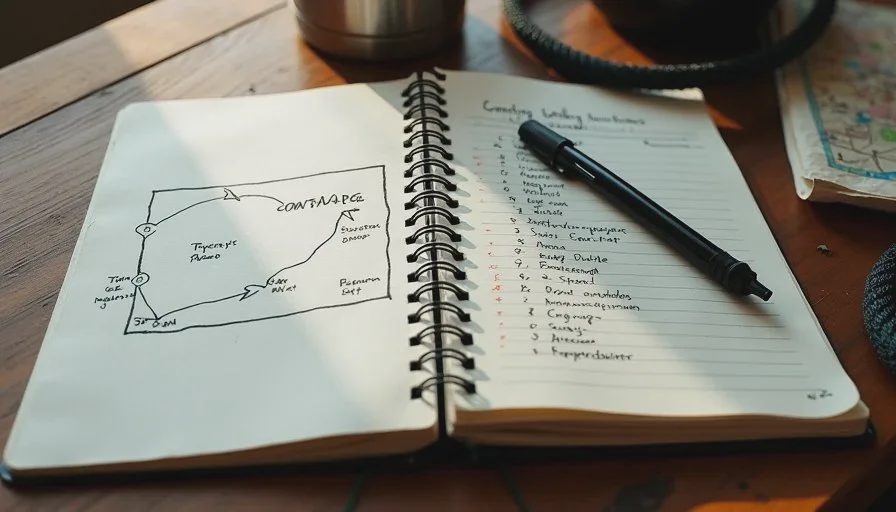
The Problem: Three Days, Two People, and One Snoring Dog
What I Was Actually Trying to Solve
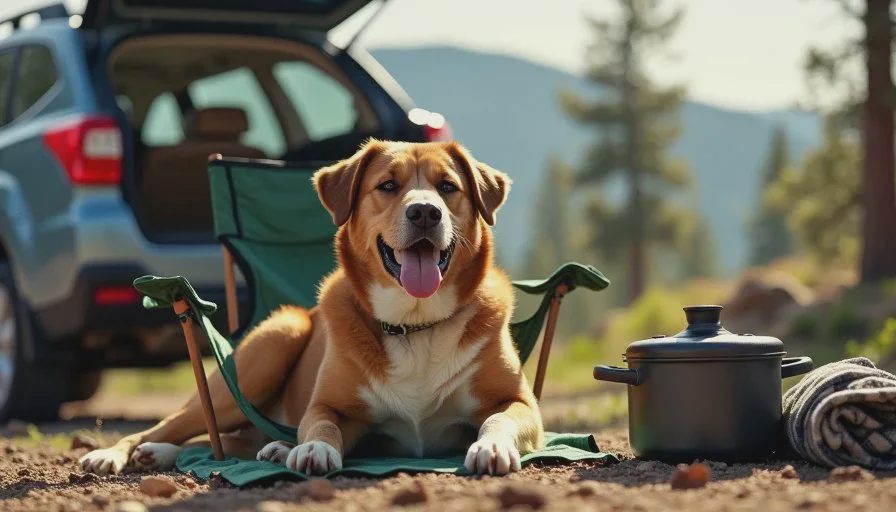
Our constraints were ordinary. Three days, two adults, one rescue mutt named Biscuit. A 2012 Subaru Outback. A budget that does not include a hotel. Jordan wanted at least one hike with a view. I wanted one night where I did not have to cook. Biscuit needed shade, water, and a campground that allows dogs without an argument at the entrance.
The trip also had a hard deadline. I had a farmers market day for Prompt & Pepper on Sunday, so we had to be home Saturday night with enough time to restock sauce and label jars. That single constraint eliminated half the plans the assistant suggested.
Why I Did Not Just Open a Map
I have planned trips the old way, with three browser tabs and a paper atlas, and it works fine. But the boring middle layer — comparing drive times, checking leash rules, finding a grocery store near the exit — eats an entire evening. I wanted to know whether AI could handle that layer so I could spend my energy on the parts I actually enjoy.
The Setup: What I Fed the AI and What I Held Back
The Constraints I Wrote Down
I typed a short brief. Three days. Two adults. One 45-pound dog. Car camping, not backpacking. Base in Denver. No more than four hours of driving per day. One hike under five miles. A grocery stop on the way out. Home by Saturday evening.
I also described the weather we expected for late spring in the mountains and said we wanted a developed campground with a vault toilet, not a dispersed site. That last detail mattered more than I expected.
The Tools I Actually Used
I used a general-purpose AI assistant for the itinerary and a second one as a sanity check on campground rules. I did not pay for a travel-specific AI tool for this test. Total spend on AI: zero dollars beyond subscriptions I already had.
The Information I Refused to Share
I did not give the assistant my street address, my license plate, my payment details, or our exact travel dates. For a planning task, none of that is necessary. It is a habit worth building early: you can get useful output without handing over identifying information.
The Test: How the Planning Went, Step by Step
Step One — A Rough Route and Drive Times
The first response gave me a loop that looked reasonable. Denver to a foothills campground, then west, then back. The drive times were close but not exact. Two segments were optimistic by roughly twenty minutes once I checked them against a mapping app. That gap matters when you are stopping every ninety minutes for a dog.
My take on this step: useful as a starting shape, not trustworthy as a final schedule.
Step Two — Campground Rules and Dog Policies
This is where the assistant earned its keep and also where it nearly cost us a night. It correctly explained that many Colorado campgrounds allow dogs but require a leash no longer than six feet, and that some trails near water prohibit dogs entirely.
Then it named a specific campground and told me dogs were welcome on all loops. When I called the ranger district to confirm, one loop was closed to pets. Not a disaster. Still a correction that only happened because I checked.
Step Three — Food, Water, and the Smoker Question
I asked for a three-day meal plan that required one pot and one cooler. The output was solid. Breakfast burritos, foil packets, a cold dinner for the night we arrived late. It also suggested I bring the Weber smoker.
That suggestion was wrong for us. A smoker means fuel, time, and cleanup, and we were car camping with a dog and a tight Saturday deadline. I dropped it and brought a cast-iron skillet instead. This is a clean example of AI solving the question I asked rather than the situation I was in. I asked for good food. It optimized for good food. It did not weigh the cost in time.
Step Four — Backup Plans and Bailout Points
I asked for one backup campground per night and a list of towns with grocery stores. This part was genuinely helpful and saved me a chunk of time. Having two named alternatives and an exit town for each night made the whole trip feel less fragile.
What Worked
Routing. The first draft route was roughly right and gave me a frame to edit instead of a blank page. Meal planning. The one-pot structure held up and we ate well. Backup planning. Naming a second campground per night was the single most useful output of the whole test.
Real-world AI use cases like this are less glamorous than the demos, but they are the ones that change how an evening feels.
What Failed
The Campsite That Was Already Full
The assistant suggested a campground without mentioning that reservations open months ahead on a rolling window. When I checked, the weekend we wanted was booked. It was not wrong that the campground exists. It was wrong to present it as available. Availability is a live-data problem, and I should have known better than to hand that question to a language model.
The "Dog-Friendly" Trail With a Rule I Missed
One suggested hike was listed as dog-friendly. The actual rule was seasonal: dogs allowed outside nesting season. We were inside it. We found a different trail that turned out to be better, but only because I called ahead.
The Weather Suggestion I Should Have Questioned
The assistant told me to expect mild overnight temperatures and pack accordingly. The forecast shifted, and we woke up to a cold morning. We had layers, so it was fine, but the lesson stands: treat weather guidance from a general assistant as a placeholder and check an actual forecast the night before you leave.
What Still Needed Human Judgment
Three things, consistently. Anything involving availability, hours, or current rules is a phone call or a website check, not a chat window. Anything involving my dog's comfort and safety stays with me, because no model knows that Biscuit gets anxious in wind. And anything involving my own energy budget stays with me too. AI planned a full day. I know I need a slow morning after a market day.
I also kept the final call on the route. The itinerary looked efficient on paper. In practice, I cut one stop because I know how I drive when I am tired.
Cost and Time
AI cost: nothing beyond subscriptions I already had. Time spent prompting and reviewing: about forty minutes. Time saved on the boring middle layer — comparing routes, drafting a meal list, finding backups — I would estimate two to three hours. Time lost to verification: about twenty-five minutes of phone calls and website checks. That verification time is not optional, and any honest accounting of AI workflow examples has to include it.
Final Verdict
Useful with guardrails.
AI was a good first-draft machine for this trip. It gave me a route, a meal structure, and backup options in less time than I could have managed alone. It was not a booking system, not a ranger station, and not a weather service. Every place I treated it as those things, it slipped.
If you are new to this, start with the low-stakes layer: shapes, lists, and options. Then verify anything that touches money, rules, or safety.
Take it apart first. Then ask AI.



No comments yet — be the first to share a thought.